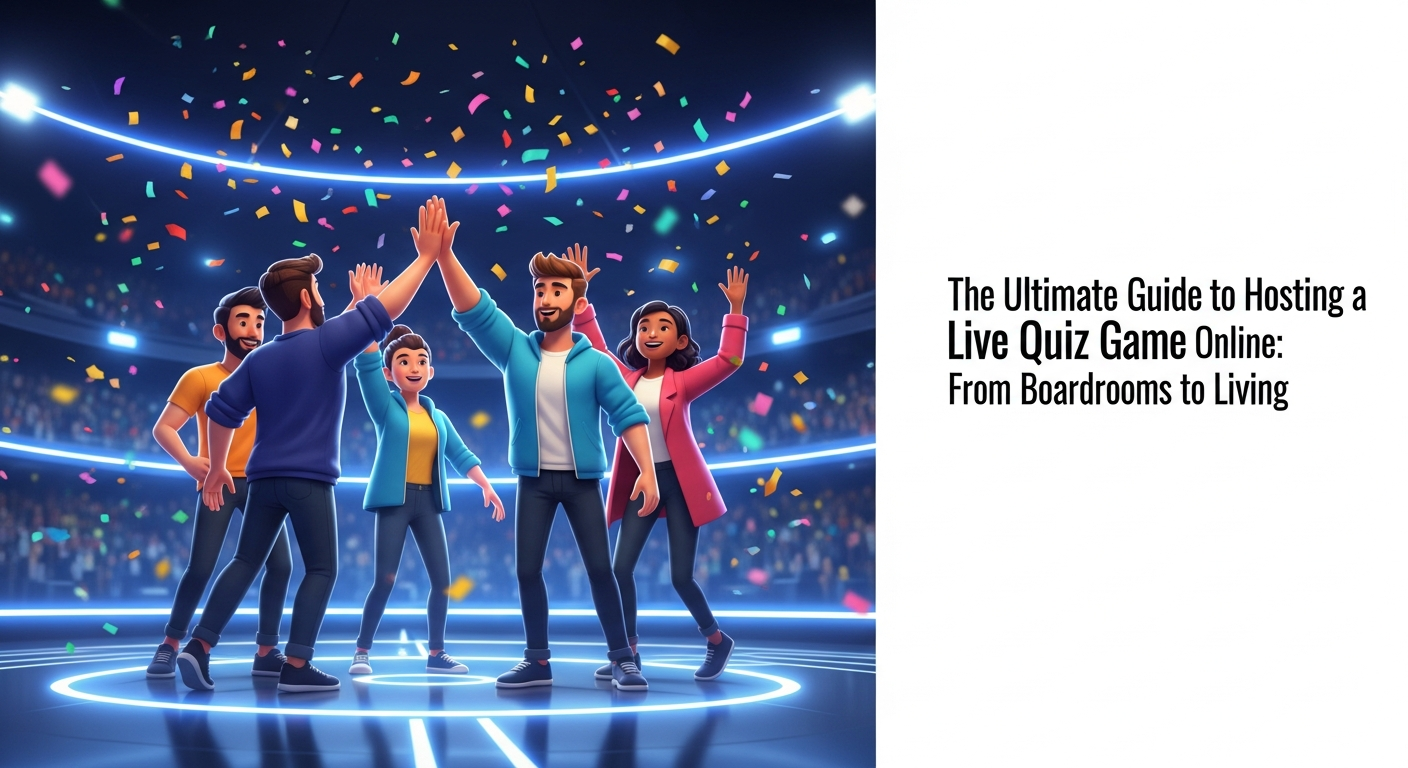
#Introduction: The Digital Evolution of Trivia Night
There was a time when trivia night was synonymous with sticky pub tables, overpriced appetizers, and the smell of old wood. Friends would gather under dim lights, scribbling answers on napkins while debating whether the capital of Kazakhstan had changed recently. However, the landscape of social engagement has shifted dramatically. Today, the most vibrant "pubs" are found in our browsers, and the napkins have been replaced by a sophisticated live quiz game online.
The transition from physical boardrooms and living rooms to digital spaces wasn't just a matter of convenience; it was a response to a global need for connection in an increasingly fragmented world. Whether you are a manager trying to bridge the gap between remote employees or a friend group spread across three different time zones, the digital evolution of trivia has provided a bridge. It’s no longer just about who knows the most random facts; it’s about the shared experience of competing in real-time.
As we dive into this guide, we will explore how hosting a quiz has evolved into a strategic tool for both social bonding and professional development. By understanding the psychology of participation—why we love to be right and why we enjoy the thrill of the leaderboard—you can transform a simple game into a memorable event that resonates long after the final question is answered.
Key Takeaway: The shift to digital trivia isn't just about technology; it's about reclaiming social connection through a structured, interactive format that transcends physical boundaries.
#Why Every Social Circle Needs a Go-To Multiplayer Quiz Platform
In the age of "doom-scrolling" and passive content consumption, active participation is the ultimate social lubricant. A dedicated multiplayer quiz platform acts as a catalyst for conversation, breaking the ice in ways that a standard video call simply cannot. When people are given a goal—to win, to learn, or simply to beat their best friend—the barriers of awkward silence disappear. The game provides the structure, allowing personalities to shine through the competition.
Psychologically, humans are wired for play. It’s how we learn and how we bond. By integrating a regular quiz night into your social circle, you create a "third space" that isn't work and isn't quite home life. It becomes a ritual. This consistency is vital for maintaining long-distance friendships. Instead of the vague "we should catch up sometime," having a scheduled online trivia with friends session provides a concrete reason to gather, ensuring that relationships don't fade into the background of busy schedules.
Furthermore, these platforms allow for a level of inclusivity that physical venues often lack. Introverted friends who might feel overwhelmed in a loud bar often thrive in a digital environment where they can focus on the questions and engage via chat. It levels the playing field, making sure that everyone, regardless of their social battery, feels like a valued part of the group.
Key Takeaway: A multiplayer quiz platform replaces passive screen time with active engagement, serving as a vital ritual for maintaining modern friendships and social health.
#Key Features to Look for in a Live Quiz Game Online
Not all quiz platforms are created equal. If you want to host quiz game events that people actually look forward to, you need to look beyond basic multiple-choice questions. The most effective tools offer a real-time interactive quiz experience, meaning there is zero latency between the question being asked and the player seeing it. This immediacy is what builds the "stadium atmosphere" in a digital setting, where every second counts and the leaderboard shifts instantly.
Customization is another non-negotiable feature. A high-quality custom trivia maker allows you to tailor the content to your specific audience. Are you hosting a family reunion? Include inside jokes and photos from the 90s. Are you running a corporate seminar? Integrate questions about the new product line. The ability to upload images, videos, and even audio clips transforms a dry test of knowledge into a multi-sensory experience that keeps participants on the edge of their seats.
Finally, consider the user interface for both the host and the player. A great quiz game night app should be "joinable" via a simple QR code or a short URL. If your guests have to download a heavy application or create a complex account just to play, you’ve lost half of them before the first question. Accessibility is the secret sauce of high participation rates; the lower the barrier to entry, the higher the energy in the room.
Key Takeaway: Prioritize platforms that offer real-time synchronization, deep customization through a custom trivia maker, and frictionless entry for participants.
#Step-by-Step: How to Host a Quiz Game That People Actually Enjoy
Hosting is an art form that sits somewhere between being a late-night talk show host and a school teacher. To successfully host quiz game sessions, your first step is curation. Don't just pull a random list of questions from the internet. Mix the difficulty levels. Start with "gimme" questions to build confidence, then sprinkle in "brain-busters" to challenge the experts. A good rule of thumb is the 60/30/10 rule: 60% easy-to-medium, 30% challenging, and 10% nearly impossible.
Once your content is ready, focus on the "pacing." Nothing kills the vibe of a live quiz game online faster than a host who lingers too long on a single question. Keep the momentum moving. Use the time between questions to commentate on the leaderboard. "Oh, looks like Sarah just jumped into first place! Can Dave recover?" This play-by-play commentary mimics the excitement of a live sporting event and keeps the "psychology of participation" high, as players feel seen and recognized.
Lastly, always have a clear ending. Whether there’s a physical prize, a digital badge, or just bragging rights, the conclusion should feel like a celebration. Share the final podium, thank everyone for coming, and perhaps most importantly, announce the date for the next one. Building anticipation for the future is just as important as the game you just finished playing.
Key Takeaway: Successful hosting requires curated difficulty levels, fast-paced commentary to maintain energy, and a definitive, celebratory conclusion.
#The Social Impact of Online Trivia with Friends in a Remote World
We are currently living through a "loneliness epidemic," and while technology is often blamed for our isolation, it is also the cure. Engaging in online trivia with friends provides a structured way to interact that removes the pressure of small talk. In a remote world, we often miss the "watercooler moments"—those spontaneous, low-stakes interactions that build a sense of belonging. A quiz night recreates those moments by giving everyone a common topic to discuss and laugh about.
The beauty of these games lies in their ability to bridge generational gaps. A well-designed quiz can have a question about 1950s cinema followed immediately by a question about modern TikTok trends. This allows different members of a family or social group to "have their moment," fostering mutual respect and shared learning. It’s a rare activity where a teenager and a grandparent can compete on a level playing field, each bringing their own unique knowledge base to the table.
Moreover, the competitive nature of a multiplayer quiz platform releases dopamine and oxytocin, the "feel-good" chemicals in the brain. Winning a round or even just getting a difficult question right provides a sense of achievement. When shared with friends, this creates a positive feedback loop that strengthens social bonds and reduces the feelings of isolation that often accompany remote work and living.
Key Takeaway: Digital trivia serves as a powerful antidote to isolation, creating "watercooler moments" and fostering intergenerational bonding through structured play.
#Beyond Fun: Leveraging Quiz Game Night Apps for Corporate Training
While trivia is a staple of Friday nights, its utility in the professional world is often undervalued. Forward-thinking companies are now using educational quiz software to overhaul their training programs. Let’s face it: traditional corporate slide decks are where engagement goes to die. By switching to a virtual team building trivia format, companies can turn dry compliance training or product launches into high-stakes, high-reward competitions.
The reason this works is rooted in "gamification." When employees play a live quiz game online related to their work, they are more likely to retain the information. The competitive element forces active recall, which is a much more effective learning strategy than passive reading. Furthermore, social gaming for remote teams helps build culture in a way that "forced fun" Zoom happy hours never will. It gives teams a way to interact that is focused, productive, and genuinely entertaining.
Managers can also use the data generated by these platforms to identify knowledge gaps. If 80% of the team misses a question about a new company policy, that’s a clear signal that more training is needed in that specific area. In this way, the quiz game night app becomes a diagnostic tool, providing real-time insights into the team's collective understanding while simultaneously boosting morale and team cohesion.
Key Takeaway: Gamifying corporate training through trivia increases information retention and provides managers with valuable data on team knowledge gaps.
#Technical Tips for a Lag-Free Live Gaming Experience
The quickest way to ruin a real-time interactive quiz is a technical glitch. If the host's screen freezes or a player's answer doesn't register due to lag, the immersion is broken. To prevent this, the host should always use a wired ethernet connection if possible. While Wi-Fi has improved, the stability of a physical cable is unmatched when you are streaming video and managing a live database of answers simultaneously.
Encourage your participants to close unnecessary tabs and background applications. A multiplayer quiz platform requires a decent amount of browser resources to keep the leaderboard updated in real-time. If a player is also running a high-definition video stream or a system update in the background, they will likely experience delays. A quick "tech check" message sent ten minutes before the start of the game can save a lot of frustration once the timer starts ticking.
Finally, always have a backup plan for your audio and video. If you are using a specific quiz game night app that includes built-in video, ensure you have a secondary link (like Zoom or Google Meet) ready just in case. Being prepared for the worst-case technical scenario allows you to remain calm and professional, ensuring that the players stay focused on the fun rather than the troubleshooting.
Key Takeaway: Technical stability is the foundation of engagement; use wired connections, minimize background tasks, and always have a backup communication channel.
#Creative Theme Ideas to Keep Your Trivia Nights Fresh
To keep people coming back, you need to vary your content. While "General Knowledge" is a safe bet, niche themes are what make an event truly memorable. Consider a "Decades Night" where each round focuses on a different ten-year span, or a "Hyper-Local" quiz that focuses on the specific history and inside jokes of your friend group or company. Using a custom trivia maker, you can even create a "Mystery Box" round where the theme is only revealed seconds before the questions begin.
Another engaging idea is the "Reverse Trivia" round. Instead of giving a question and asking for the answer, give the answer and ask players to identify the correct question (Jeopardy style). Or, try a "Soundtrack of Our Lives" round using audio clips from famous movies or songs that have significance to the group. These creative pivots prevent the format from becoming stale and challenge different types of intelligence beyond just rote memorization.
For corporate settings, try a "Meet the Team" theme where questions are based on fun facts about the employees themselves. "Who once climbed Mt. Kilimanjaro?" or "Which developer has a collection of 500 vintage stamps?" This use of social gaming for remote teams humanizes colleagues who may only ever see each other as icons on a Slack channel, building genuine empathy and connection across the organization.
Key Takeaway: Prevent "trivia fatigue" by rotating themes, using audio/visual rounds, and incorporating personal or hyper-local facts to keep the content relevant.
#Conclusion: Building Lasting Connections Through Interactive Play
Hosting a live quiz game online is more than just a way to kill an hour; it is a powerful tool for building community in a digital-first world. From the casual laughter of online trivia with friends to the strategic benefits of virtual team building trivia, the impact of interactive play is profound. It bridges the gap between our screens and our hearts, providing a structured environment where we can compete, learn, and most importantly, connect.
The psychology is clear: we crave engagement, recognition, and shared experiences. By choosing the right multiplayer quiz platform and following the hosting tips outlined in this guide, you can transform any gathering into an event that resonates. Whether you are using educational quiz software to train the next generation of leaders or a custom trivia maker to celebrate a birthday, the goal remains the same: to bring people together through the joy of the game.
Now it’s your turn. Don't let your next social or professional gathering be another forgettable video call. Take the lead, fire up a quiz game night app, and start building those lasting connections today. The leaderboard is waiting—are you ready to host?
Final Thought: In a world of passive consumption, be the host who facilitates active connection. Start your live quiz journey today and watch your community thrive.
Read next
See all →
Unlock Ultimate Fun: The Definitive Guide to Multiplayer Quiz Platforms
Looking for the best ways to host engaging quiz nights or play trivia with friends? This guide explores top multiplayer quiz platforms, offering everything you need for ultimate fun. Discover tools to create memorable interactive experiences for any group.
The Ultimate Guide to the Best Trivia Games 2026: From Apps to Multiplayer Fun
Looking for the best trivia games of 2026? This comprehensive guide explores the top-rated apps, live competitions, and creative virtual trivia night ideas for groups and adults.
The Ultimate Guide to Hosting a Seamless Live Quiz Game Online
Planning a virtual trivia night? This comprehensive guide covers everything from choosing the right multiplayer quiz platform to engaging your audience with real-time leaderboards and custom questions.