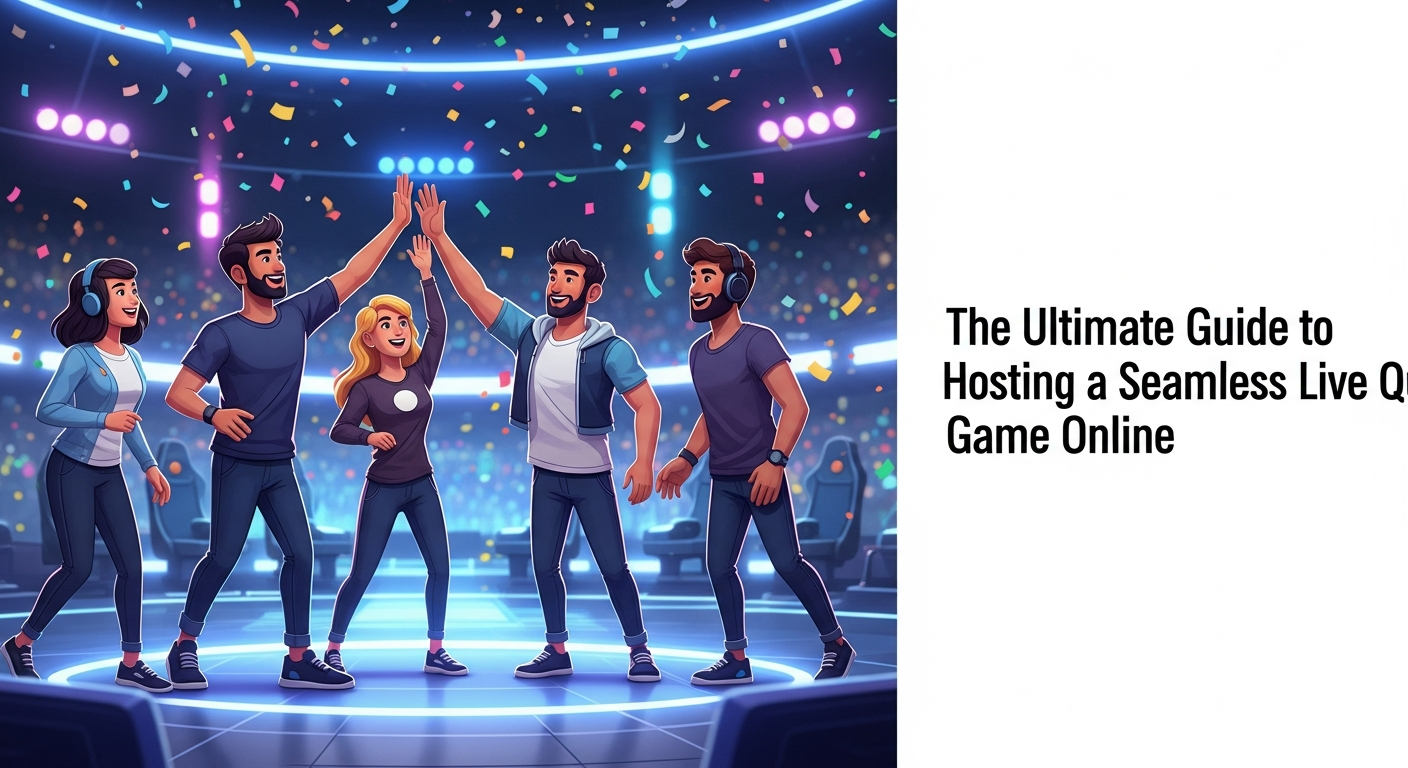
#Introduction: The Evolution of Social Connection in the Digital Age
In the not-so-distant past, a "quiz night" meant gathering at a local pub, huddled around a sticky wooden table with a half-gnawed pencil and a crumpled sheet of paper. While the charm of those nights remains, the way we connect has undergone a radical transformation. As our social and professional lives migrated to the digital realm, we initially settled for standard video calls. However, "Zoom fatigue" quickly set in, leaving us craving something more interactive, structured, and genuinely fun. This shift has paved the way for the rise of the live quiz game online, turning passive observers into active participants.
Today, hosting a digital event isn't just about seeing each other's faces; it’s about shared experiences that bridge the physical gap. Whether you are thousands of miles apart or just across town, a well-executed trivia session provides a focal point for interaction. It replaces the awkward silences of a standard video call with the thrill of competition and the joy of collective discovery. We are no longer just "calling" our friends or colleagues; we are engaging in a dynamic, gamified environment that fosters real connection.
To truly master this new medium, one must look beyond the screen and understand the mechanics of digital hospitality. It is not enough to simply ask questions; you must curate an atmosphere. By leveraging a modern multiplayer quiz platform, hosts can recreate the electricity of a live event, ensuring that every participant feels seen, challenged, and entertained. This guide will walk you through the nuances of hosting an event that people will talk about long after the final leaderboard is displayed.
Key Takeaway: Digital social connection has evolved from passive video chatting to active, gamified participation through interactive trivia.
#Why a Dedicated Multiplayer Quiz Platform Beats Standard Video Conferencing
When the world first went remote, many tried to host quiz game sessions using nothing more than a shared screen and a PowerPoint presentation. While well-intentioned, this method often leads to logistical nightmares: players shouting over each other, the host struggling to keep score manually, and the inevitable "wait, what was the question?" from someone with a laggy connection. A dedicated multiplayer quiz platform eliminates these friction points by automating the heavy lifting, allowing the host to focus on the energy of the room.
The primary advantage of specialized interactive trivia software is the synchronization of data. In a standard video call, there is often a multi-second delay between the host speaking and the participants hearing. A dedicated platform handles the "game state" separately from the video stream, ensuring that when a timer starts, it starts for everyone at the exact same millisecond. This fairness is crucial for maintaining the competitive integrity of the game, especially when bonus points are awarded for speed.
Furthermore, these platforms provide built-in visual and auditory feedback that a video call simply cannot replicate. From dramatic countdown timers to the satisfying "ding" of a correct answer, these sensory cues keep participants locked in. By moving the scoring and question delivery to a specialized tool, you free up the video conferencing software to do what it does best: show faces and transmit laughter. This hybrid approach creates a professional, seamless experience that feels like a high-production TV game show rather than a chaotic group chat.
Key Takeaway: Specialized platforms solve the "lag and logistics" problem, providing a fair, synchronized, and high-energy environment that standard video calls lack.
#Key Features to Look for in a Live Quiz Game Online (Stability, UI, and Customization)
Not all trivia tools are created equal. When selecting your quiz game night app, the first priority must be stability. There is nothing that kills the momentum of a party faster than a server crash or a "reconnecting" spinner. You need a platform that can handle your specific group size—whether it’s a small group of five friends or a massive virtual team building quiz with hundreds of employees—without breaking a sweat.
User Interface (UI) is the next critical pillar. The best tools are "low-friction," meaning participants don't need to download an app, create an account, or navigate a complex menu to join. A simple QR code or a short URL should be the only barrier to entry. The interface should be intuitive enough that a grandmother and a tech-savvy teenager can both navigate it with ease. Look for a real-time leaderboard app functionality that updates instantly, as this is the primary driver of engagement and "trash talk" among players.
Finally, never underestimate the power of a custom trivia maker. While pre-made question banks are great for a quick fix, the most memorable events are those tailored to the audience. Whether it’s "Inside Jokes" for a family reunion or "Company History" for a corporate retreat, the ability to upload your own images, videos, and personalized questions is what makes the event feel special. Customization also extends to branding; being able to change colors and logos ensures the game aligns with the theme of your event.
Key Takeaway: Prioritize low-friction entry, rock-solid stability, and deep customization options to ensure your event feels professional and personal.
#The Step-by-Step Guide: How to Host Quiz Game Events That People Actually Enjoy
Hosting a successful live quiz game online starts long before you click "Start Game." The first step is "The Curation Phase." Avoid the mistake of making questions too difficult; a game where everyone is guessing blindly is frustrating, not fun. Aim for a "Goldilocks" difficulty level: some easy wins to build confidence, a few medium-tier questions to separate the pack, and one or two "brain-busters" to challenge the experts. Mix your formats—use multiple choice, image rounds, and "type the answer" rounds to keep the pace dynamic.
The second step is the "Technical Rehearsal." If you are using remote engagement tools, do a dry run with a friend or a second device. Check how your screen looks when shared and ensure that the audio from the game (like music or sound effects) isn't drowning out your voice. During this phase, prepare your "Host Script." You don't need to write out every word, but having a few fun facts about the topics or some pre-planned banter for the leaderboard reveals will keep the energy from dipping between rounds.
The final step is "The Live Execution." As the host, you are the Master of Ceremonies. Your energy dictates the room's energy. Start with a simple "warm-up" question that doesn't count for points to ensure everyone’s device is working. During the game, call out the leaders by name and encourage those at the bottom of the pack. Use the real-time leaderboard app to create narrative arcs—highlight someone's "comeback" or a "nail-biting" battle for first place. This storytelling element is what transforms a quiz into an event.
Key Takeaway: Success is found in the preparation—balance your question difficulty, rehearse your tech, and act as a storyteller during the live event.
#Top 5 Use Cases for Online Trivia with Friends: From Birthdays to Corporate Icebreakers
The versatility of online trivia with friends makes it a Swiss Army knife for digital gathering. One of the most popular use cases is the virtual team building quiz. In a remote work world, "water cooler talk" has vanished. A monthly trivia session allows colleagues to interact in a non-work capacity, reducing feelings of isolation and building team cohesion. It’s a low-pressure way to encourage collaboration, especially if you use a team-based play mode.
Milestone celebrations like birthdays and anniversaries are also perfect candidates for a custom trivia maker. Instead of a generic quiz, the entire game can be about the guest of honor. "What was Sarah’s first car?" or "Where did the couple meet?" These personalized questions turn a standard game into a digital tribute, making the honoree feel celebrated and giving guests a shared topic of conversation. It’s far more engaging than a dozen people trying to sing "Happy Birthday" out of sync over a laggy connection.
Other use cases include educational settings, where teachers use quizzes to gamify learning and check for student comprehension in a fun way. Additionally, "Interest Clubs" (like film buffs or sports fans) use these platforms to host high-stakes "Themed Nights." Finally, non-profits and charities have found great success using live quizzes as "Virtual Fundraisers," where participants pay a small entry fee to compete for prizes, with all proceeds going to the cause.
Key Takeaway: From corporate bonding to personal milestones and charity, interactive trivia serves as a powerful tool for any group looking to foster engagement.
#Technical Checklist: Ensuring Your Quiz Game Night App Runs Without Glitches
Even the best host can be undermined by a technical failure. To ensure your quiz game night app runs smoothly, you must address the "Trinity of Tech": Connection, Compatibility, and Communication. First, the host should ideally be on a hardwired ethernet connection. While Wi-Fi is generally fine for participants, the host’s upload speed is the backbone of the event. If you must use Wi-Fi, ensure you are as close to the router as possible and that other household members aren't streaming 4K video simultaneously.
Compatibility is the next hurdle. Before the event, send out a "Player’s Guide" email. Advise your participants on which browser to use (usually Chrome or Safari) and suggest they use a mobile device as their "controller" while watching the main stream on their laptop. This "two-screen" setup is the gold standard for a live quiz game online, as it allows players to see the questions clearly on a big screen while having a tactile, responsive buzzer in their hand.
Finally, have a "Plan B" for communication. If your primary video platform fails, have a backup link ready to drop into a group chat. Ensure your interactive trivia software has a "pause" button so you can halt the timer if a major technical glitch occurs. By anticipating these issues, you can handle them calmly if they arise, maintaining your authority as a host and keeping the players' frustrations at bay.
- Host: Use Ethernet and check upload speeds (5Mbps+ recommended).
- Players: Use a two-screen setup (Phone for input, Laptop for viewing).
- Software: Test the "Join" flow with a dummy account.
- Backup: Have a secondary video link (e.g., Google Meet if Zoom fails).
Key Takeaway: Technical glitches are the only thing that can truly "ruin" a quiz; mitigate them with a two-screen setup and a solid backup plan.
#Engagement Secrets: How to Keep the Energy High During a Remote Trivia Session
Keeping a remote audience engaged requires a different set of skills than an in-person event. The biggest "energy killer" is dead air. As a host, you should fill the gaps between questions with commentary, trivia "fun facts," or even a curated Spotify playlist that fits the theme of the round. Using remote engagement tools like "Reaction Emojis" or "Live Chat" allows participants to express themselves without interrupting the flow of the game.
Another secret is the "Pacing of the Reveal." Don't just show the leaderboard after every single question; it loses its impact. Instead, show it every 3-5 questions to create "movement" in the rankings. When you do show the leaderboard, make it a moment of drama. "And in first place, we have... 'The Quizards of Oz'! But look at 'Trivia Newton-John' jumping up ten spots!" This recognition validates the players' efforts and keeps the competitive spirit alive.
Finally, consider the "Psychology of Prizes." While a physical prize is great, the "Bragging Rights" are often more important. Create a digital "Winner's Certificate" or a funny social media shout-out for the champion. For virtual team building quiz events, the prize could be something simple like "Choose the next team lunch" or "Early Friday Finish." The goal is to give the participants something to fight for, no matter how small, to keep their focus sharp until the final question.
Key Takeaway: Eliminate dead air with music and commentary, and use strategic leaderboard reveals to build a narrative of competition.
#Conclusion: Building Lasting Memories Through Interactive Competition
Hosting a live quiz game online is more than just a sequence of questions and answers; it is a modern form of digital hosting that requires a blend of technical preparation and social intuition. By choosing the right multiplayer quiz platform, tailoring your content to your audience, and managing the energy of the "room," you create an environment where people feel genuinely connected despite the physical distance. The transition from a simple video call to a fully realized interactive event is the difference between a meeting and a memory.
As we continue to navigate a world where remote interaction is a permanent fixture, the ability to host quiz game events will remain a valuable skill. Whether you are looking to boost morale in a corporate setting, celebrate a loved one, or simply have a laugh with friends on a Friday night, the tools and strategies outlined in this guide will ensure your event is seamless, engaging, and, most importantly, fun. The leaderboard might fade, but the feeling of shared excitement and laughter will last.
Ready to take your digital hosting to the next level? Start by exploring a custom trivia maker today and plan your first round. Your friends, family, or colleagues are just one "Join Code" away from an unforgettable night of competition. It’s time to stop just "calling" and start playing!
Read next
See all →
Unlock Ultimate Fun: The Definitive Guide to Multiplayer Quiz Platforms
Looking for the best ways to host engaging quiz nights or play trivia with friends? This guide explores top multiplayer quiz platforms, offering everything you need for ultimate fun. Discover tools to create memorable interactive experiences for any group.
The Ultimate Guide to the Best Trivia Games 2026: From Apps to Multiplayer Fun
Looking for the best trivia games of 2026? This comprehensive guide explores the top-rated apps, live competitions, and creative virtual trivia night ideas for groups and adults.

The Ultimate Guide to the Best Trivia Games 2026: Apps, Online, and More
Looking for the top-rated trivia experiences this year? Our comprehensive guide covers the best trivia apps, multiplayer platforms, and AI-powered games for 2026. Whether you're hosting a virtual pub quiz or playing solo, find the perfect game here.