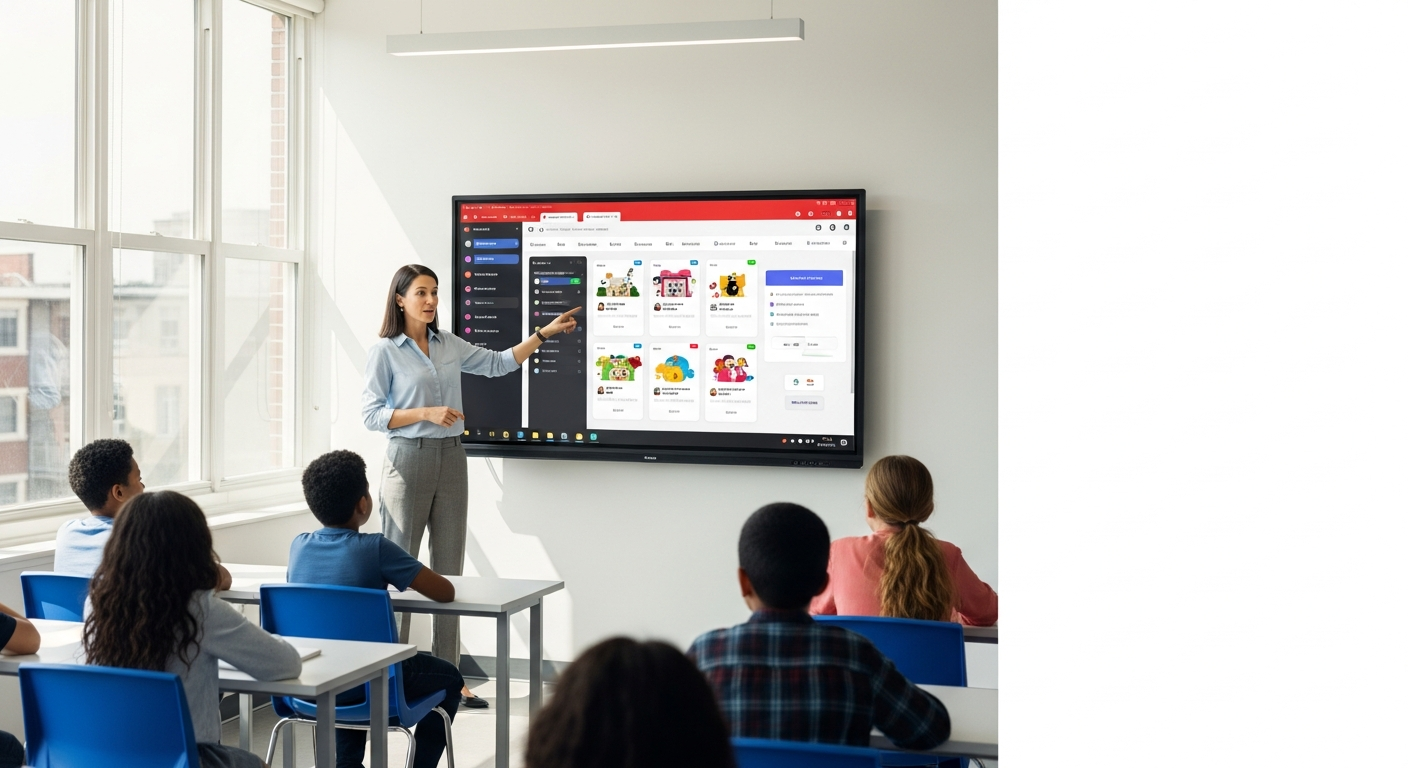
In today’s digital age, quizzes have evolved from simple assessment tools to dynamic instruments that engage students, reinforce learning, and provide real-time feedback. Whether you’re a seasoned educator or just starting your teaching journey, integrating quizzes into your classroom can significantly enhance student outcomes. With the rise of AI-powered tools and free quiz creators, teachers now have more options than ever to design, customize, and deploy assessments efficiently. This article explores the best tools for teachers, focusing on free quiz makers, AI-generated quizzes, and secure platforms that align with educational standards like FERPA.
From formative assessments to summative evaluations, quizzes play a vital role in modern education. They help teachers gauge student understanding, identify knowledge gaps, and tailor instruction to individual needs. However, creating effective quizzes can be time-consuming, especially for large classes. That’s where modern tools come in—offering automation, customization, and integration with platforms like Google Classroom. Let’s dive into the top tools that are revolutionizing how teachers approach assessment.
"Key Takeaway: Quizzes are essential for reinforcing learning, and the right tools can save teachers time while improving student engagement and outcomes."
#Introduction: The Role of Quizzes in Modern Education
Quizzes have long been a staple in education, but their purpose has expanded beyond testing knowledge. Today, they serve as powerful formative assessment tools that help teachers monitor progress, adjust instruction, and provide personalized feedback. With the shift toward blended learning and remote education, digital quizzes have become even more critical. They allow for instant grading, adaptive questioning, and data-driven insights that traditional paper-based tests can’t match.
Moreover, quizzes foster active learning by encouraging students to recall information, apply concepts, and think critically. When designed effectively, they can also promote collaboration and peer learning. For instance, interactive quiz platforms enable students to compete in real-time, making learning more engaging. As classrooms become more diverse, the need for flexible, accessible, and secure quiz tools has never been higher.
"Key Takeaway: Quizzes are no longer just tests—they’re interactive, adaptive, and essential for fostering student growth and engagement."
#Why Teachers Need Free and AI-Powered Quiz Tools
Teaching is a demanding profession, and time is one of the most valuable resources. Free quiz makers for teachers eliminate the need for manual question creation, allowing educators to focus on what matters most: instruction. These tools often come with pre-built templates, question banks, and customization options, making it easy to design quizzes tailored to specific learning objectives. Additionally, many platforms offer AI-powered quiz generators that automate the process of creating questions, saving hours of work each week.
AI quiz generators for the classroom take this a step further by leveraging machine learning to adapt questions based on student performance. This not only ensures that assessments are challenging but also personalized. For example, some tools can generate multiple versions of a quiz to prevent cheating or adjust difficulty levels in real time. Such features are particularly beneficial in large classes or hybrid learning environments where individualized attention is limited.
"Key Takeaway: Free and AI-powered quiz tools empower teachers to create efficient, personalized assessments while saving time and resources."
#Exploring the Best Quiz Maker for Teachers Free
When it comes to free quiz creation tools, educators have a wide array of options to choose from. Platforms like Google Forms, Kahoot!, and Quizizz offer user-friendly interfaces that require no coding skills. These tools allow teachers to design quizzes with multiple-choice, true/false, and open-ended questions, all while integrating with classroom management systems. For instance, Google Forms seamlessly connects with Google Classroom, making it easy to distribute and grade quizzes directly within the platform.
Another advantage of free quiz makers is their accessibility. Many platforms are web-based, meaning teachers can access them from any device with an internet connection. This is especially useful for remote or hybrid learning scenarios. Additionally, some tools provide analytics dashboards that track student performance, helping teachers identify areas where students need additional support. These features make free quiz creation tools a valuable asset for educators at all levels.
"Key Takeaway: Free quiz creation tools like Google Forms and Kahoot! offer flexibility, accessibility, and integration with classroom platforms, making them ideal for modern educators."
#AI Quiz Generator for Classroom: Revolutionizing Assessment
AI quiz generators are transforming how teachers design and deliver assessments. By leveraging natural language processing and machine learning, these tools can generate high-quality questions tailored to specific topics, grade levels, and learning objectives. For example, an AI-powered quiz generator can analyze a textbook chapter and automatically create a set of questions that align with the curriculum. This not only saves time but also ensures consistency and accuracy in assessment.
One of the most significant benefits of AI quiz generators is their ability to adapt to individual student needs. Some platforms can adjust question difficulty based on a student’s previous performance, creating a personalized learning experience. This adaptability is particularly useful for formative assessments, as it allows teachers to identify and address knowledge gaps in real time. Additionally, AI tools can generate multiple versions of a quiz, reducing the risk of cheating and ensuring fairness.
"Key Takeaway: AI quiz generators streamline the assessment process, offering personalized, adaptive, and efficient tools that enhance both teaching and learning outcomes."
#Google Classroom Quiz Tool: Streamlining Assignment Management
Google Classroom has become a cornerstone of modern education, and its integration with quiz tools further enhances its utility. The Google Classroom quiz tool allows teachers to create, assign, and grade quizzes directly within the platform, eliminating the need to juggle multiple apps. This seamless integration saves time and reduces the risk of errors, as all student data is stored in one place.
Additionally, the Google Classroom quiz tool supports a variety of question types, including multiple-choice, short answer, and even file uploads. Teachers can also set deadlines, enable timers, and provide instant feedback, making it easier to manage both in-person and remote learning. For students, this means a consistent and intuitive interface that aligns with their daily learning environment.
"Key Takeaway: Google Classroom’s quiz tool simplifies assignment management, offering a unified platform for creating, distributing, and grading assessments efficiently."
#FERPA-Safe Quiz Apps: Ensuring Data Security in Schools
Data security is a top priority for educators, especially when handling student information. FERPA-safe quiz apps are designed to comply with the Family Educational Rights and Privacy Act, ensuring that student data remains confidential and protected. These platforms use encryption, secure login protocols, and strict access controls to safeguard sensitive information, giving teachers peace of mind.
When selecting a quiz app, it’s crucial to verify that it adheres to FERPA guidelines. This is particularly important for K-12 institutions, where student data protection is legally mandated. FERPA-safe tools also allow teachers to maintain control over who can access quiz results, ensuring that only authorized personnel have visibility into student performance.
"Key Takeaway: FERPA-safe quiz apps protect student data, ensuring compliance with legal standards and maintaining trust within the educational community."
#Formative Assessment Quiz Apps: Enhancing Learning Outcomes
Formative assessment is a critical component of effective teaching, and quiz apps play a significant role in this process. These tools enable teachers to gather real-time data on student understanding, allowing for immediate adjustments to instruction. For example, a quick quiz at the end of a lesson can reveal which concepts need reteaching, while a mid-unit assessment can highlight trends in student performance.
Interactive formative assessment quiz apps also encourage student engagement by making learning more dynamic. Features like instant feedback, gamification elements, and collaborative activities help keep students motivated. Moreover, these tools provide detailed analytics that teachers can use to track progress over time and tailor their approach to meet individual needs.
"Key Takeaway: Formative assessment quiz apps empower teachers to monitor student progress in real time, fostering a responsive and adaptive learning environment."
#Comparing Features: Quiz Maker vs. AI Generator vs. Classroom Tools
When choosing the right quiz tool, it’s essential to compare the features of different platforms. Free quiz makers like Google Forms and Quizizz offer simplicity and ease of use, making them ideal for quick assessments. However, they may lack advanced features like AI-driven question generation or deep analytics. On the other hand, AI quiz generators provide automation and personalization but may require a learning curve to master.
Classroom tools like Google Classroom integrate seamlessly with existing workflows, offering a centralized hub for assignments and assessments. However, they may not provide the same level of customization as standalone quiz platforms. Ultimately, the best choice depends on a teacher’s specific needs, from the type of assessments they create to their comfort level with technology.
"Key Takeaway: Each quiz tool has its strengths—free makers for simplicity, AI generators for personalization, and classroom integrations for efficiency. Choosing the right one depends on your teaching goals."
#How to Implement Quiz Apps for Maximum Educational Impact
Implementing quiz apps effectively requires careful planning and a focus on pedagogy. Start by aligning quizzes with learning objectives to ensure they reinforce key concepts. Use a mix of question types to cater to different learning styles, and incorporate real-time feedback to help students understand their mistakes. Additionally, leverage analytics to track progress and identify areas where students need additional support.
It’s also important to involve students in the process. Encourage them to create their own quizzes or participate in peer assessments, fostering a sense of ownership and collaboration. Finally, regularly update your quiz tools to ensure they remain compatible with your classroom management systems and meet evolving educational standards.
"Key Takeaway: Successful implementation of quiz apps requires alignment with learning goals, student engagement, and continuous improvement based on data-driven insights."
#Conclusion: Choosing the Right Tool for Your Classroom
In today’s fast-paced educational landscape, the right quiz tools can make a world of difference for teachers and students alike. Whether you’re looking for free quiz makers, AI-powered generators, or FERPA-compliant platforms, there’s a tool to suit every need. By leveraging these resources, educators can save time, enhance student engagement, and improve learning outcomes.
As you evaluate the options, consider your classroom’s unique requirements, from data security to integration with existing systems. Don’t be afraid to experiment with different tools to find the ones that work best for you. Remember, the goal is not just to assess knowledge but to foster a culture of continuous learning and growth.
"Key Takeaway: The best quiz tools are those that align with your teaching philosophy, support student growth, and simplify your workflow—empowering you to focus on what matters most: education."
Read next
See all →
Revolutionizing Education in India: The Ultimate Guide to Coaching Institute Test Platforms
This guide explores the impact of online test platforms on coaching institutes in India, highlighting features like adaptive testing, WhatsApp quizzes, and EdTech solutions. It discusses how these tools enhance student engagement, improve performance, and support scalable education.

Save 10+ Hours Weekly: Free Quiz Maker Tools for Teachers
Explore free quiz maker tools like Quizizz and Jotform AI to save 10+ hours weekly. These platforms automate assessments, improve efficiency, and ensure FERPA compliance for safer student data.

Revolutionizing Assessments: The Best Online Quiz Platforms for Coaching Institutes in India
Explore the leading online quiz platforms designed specifically for coaching institutes across India. This article delves into the features that can revolutionize your assessment strategies, enhance student engagement, and streamline exam processes. Find the perfect digital solution to elevate your coaching institute's learning experience.